A Proactive Homeowners™ Product
How to install OUTLET IDs™
The Installation Guide from your book, step by step, with photos from a real install of the OUTLET IDs™ Circuit Labeling System.
Installation Guide
Read the Understanding Your Home’s Electrical System educational information in your book first, so that while installing the OUTLET IDs™ Circuit Labeling System, you can recognize issues and mitigate them.
Not included, but may be helpful:
- Another person
- Cell phones
- Tweezers
- Tape
- Pen/pencil
- Alcohol wipes
- Receptacle tester
- Lamp
- Circuit finder
Step 1: Read all instructions first & look over materials
Familiarize yourself with each type of label before applying anything. There are red and yellow Breaker Labels for your breakers, Common Item Panel Labels for dedicated circuits, Clear Labels in both 15A and 20A for your receptacle covers and switch plates, and your NOTICE Label.
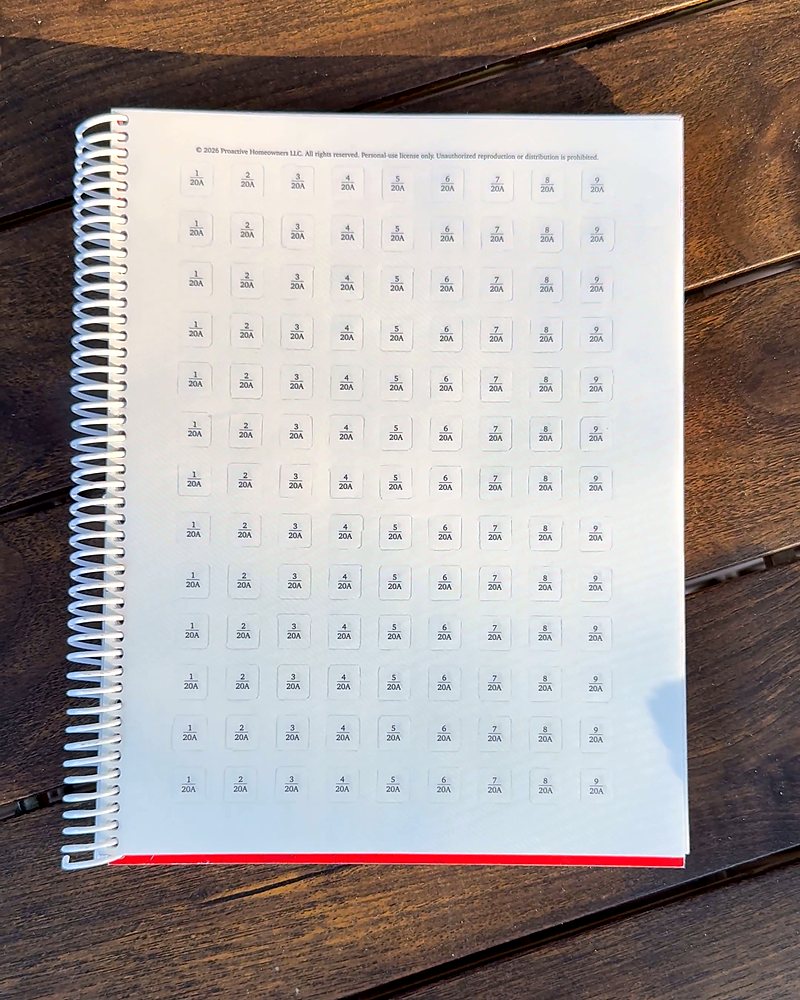
Clear Labels, numbered in 15A and 20A 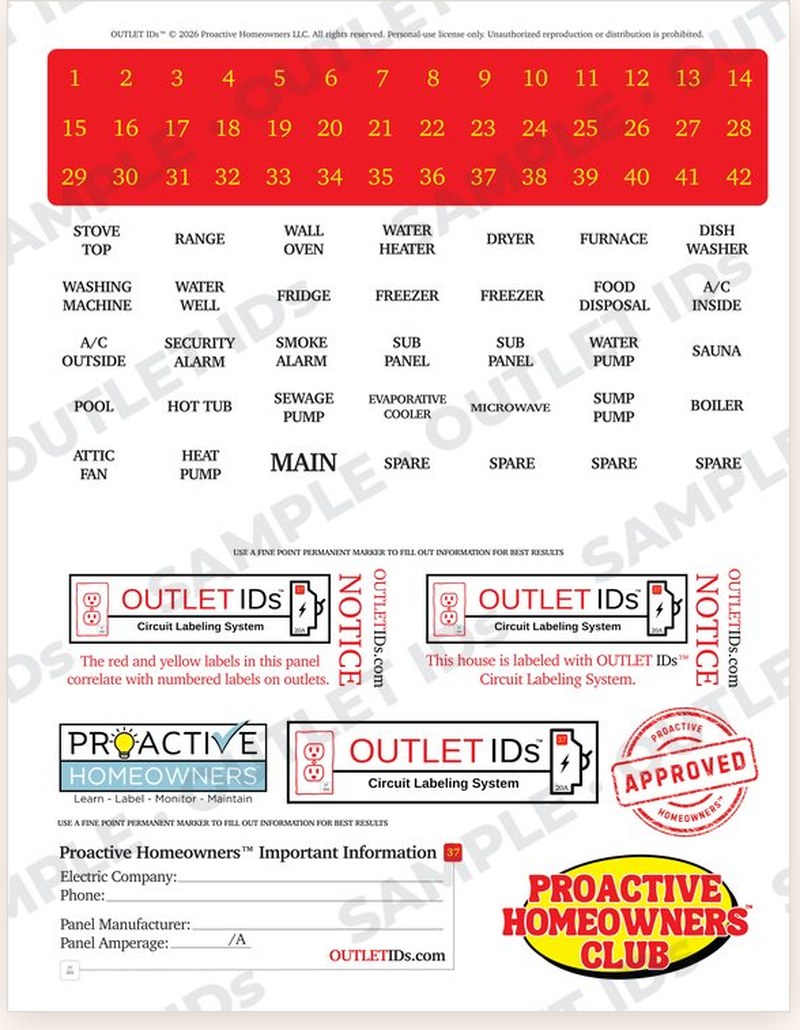
Breaker Labels and Common Item Panel Labels Step 2: Locate your panel & make a plan
Locate your service panel. Decide whether you will label your breakers in odd/even or single-row order. Choose your method of determining corresponding breakers. No matter the method, be sure to test both top and bottom halves of each receptacle. Gather supplies.
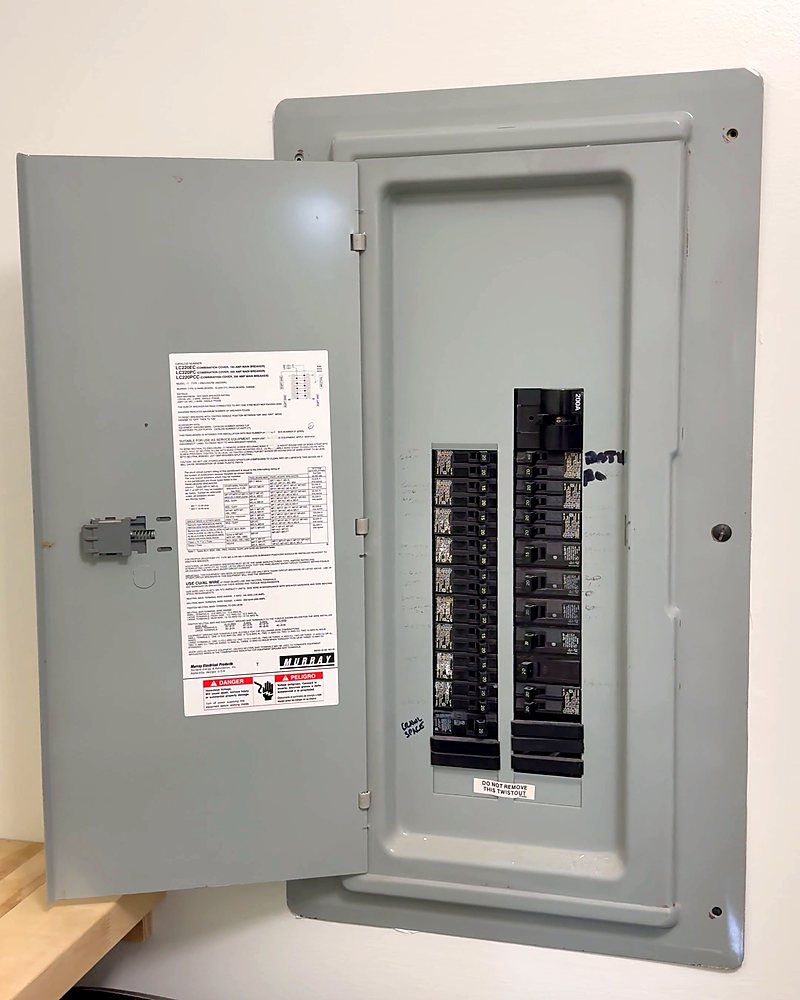
Your panel, before labeling Step 3: Number your breakers
Apply the red and yellow Breaker Labels next to each breaker. Be consistent and make sure each number is clearly visible.
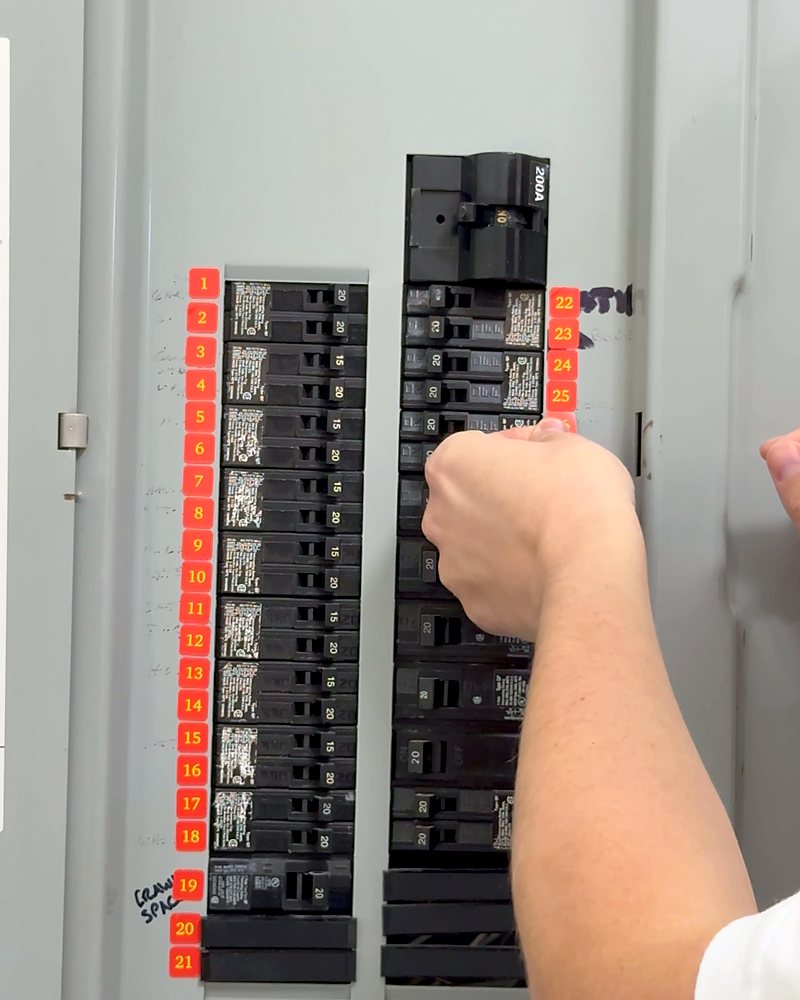
One number next to each breaker Step 4: Label common items in your panel
Apply the Common Item Panel Labels to dedicated circuits on your panel only after you have confirmed which breaker controls each item. Consider placing them on your included cut-out Panel Directory.
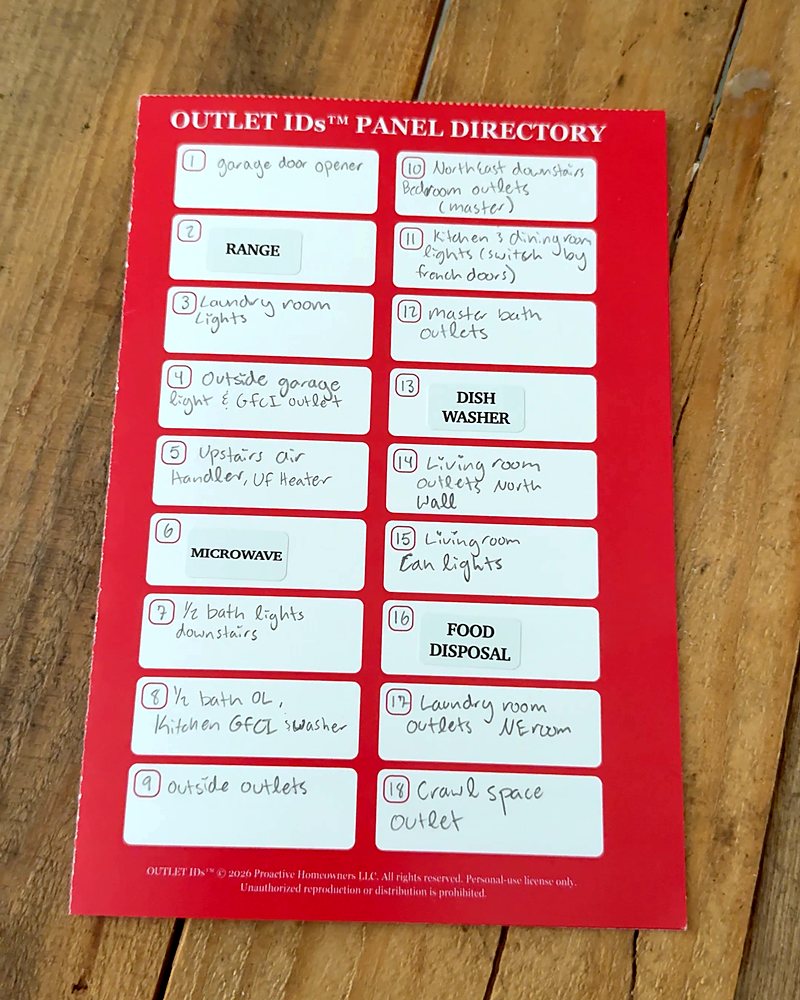
Common Item Panel Labels on the Panel Directory Step 5: Match every receptacle & switch to its breaker
Identify the controlling breaker for every receptacle and light switch in your home by using a circuit finder. An alternative method is to plug a lamp or receptacle tester into each receptacle and turn off the 15A and 20A breakers one at a time until power is cut to the receptacle you are testing.
For light switch labeling, turn ON the light switch before turning OFF breakers.
VerifyBOTH the top and bottom halves of each receptacle should be verified and labeled separately when needed.
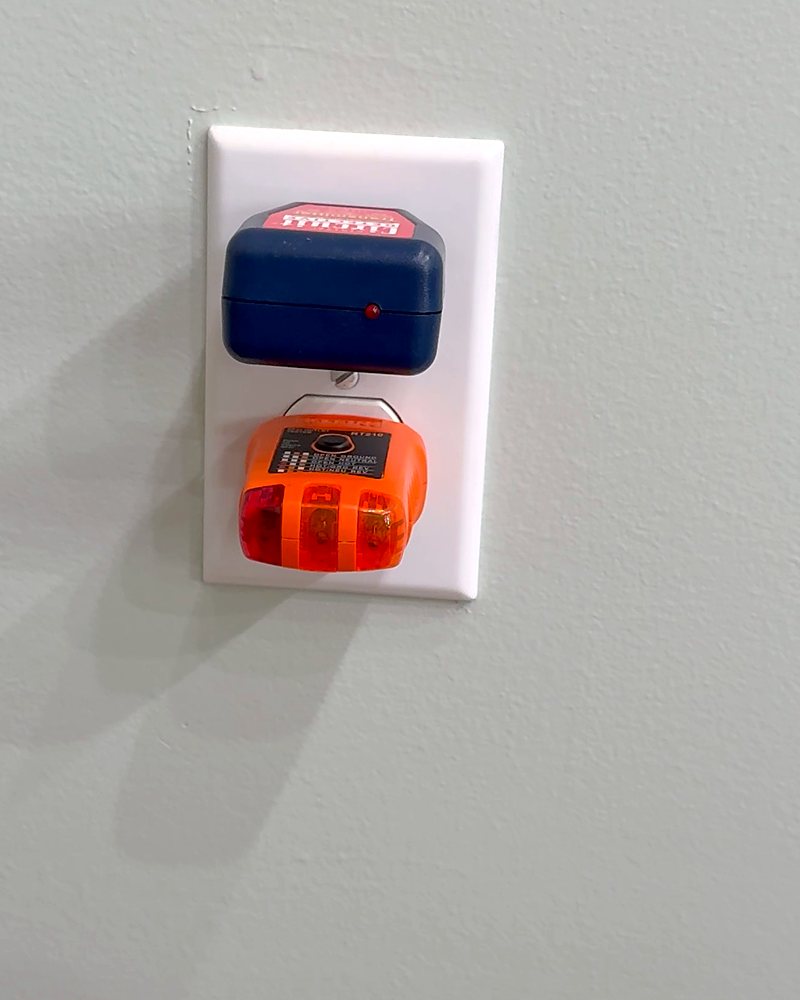
Circuit finder on top, tester on the bottom 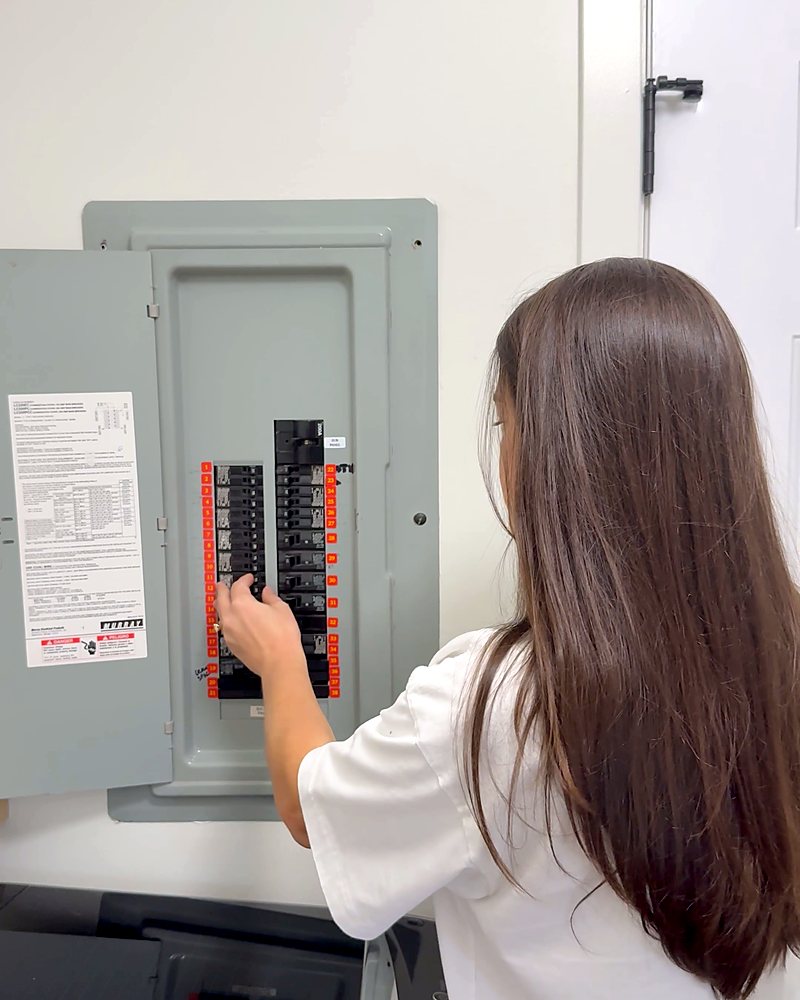
Turn breakers off one at a time Step 6: Verify both halves on every duplex receptacle
Label split receptacles clearly to show both controlling breakers. Check switched receptacles for this as well. Confirm whether the controlling breaker is 15A or 20A.
NoteA 20A receptacle, identified by a T-shaped slot, must not correspond with a 15A breaker. If you find this, note it and contact a qualified electrician.
Once complete:
Clean the surface and apply the Clear Label with the correct breaker number and amperage onto the receptacle cover or switch plate.
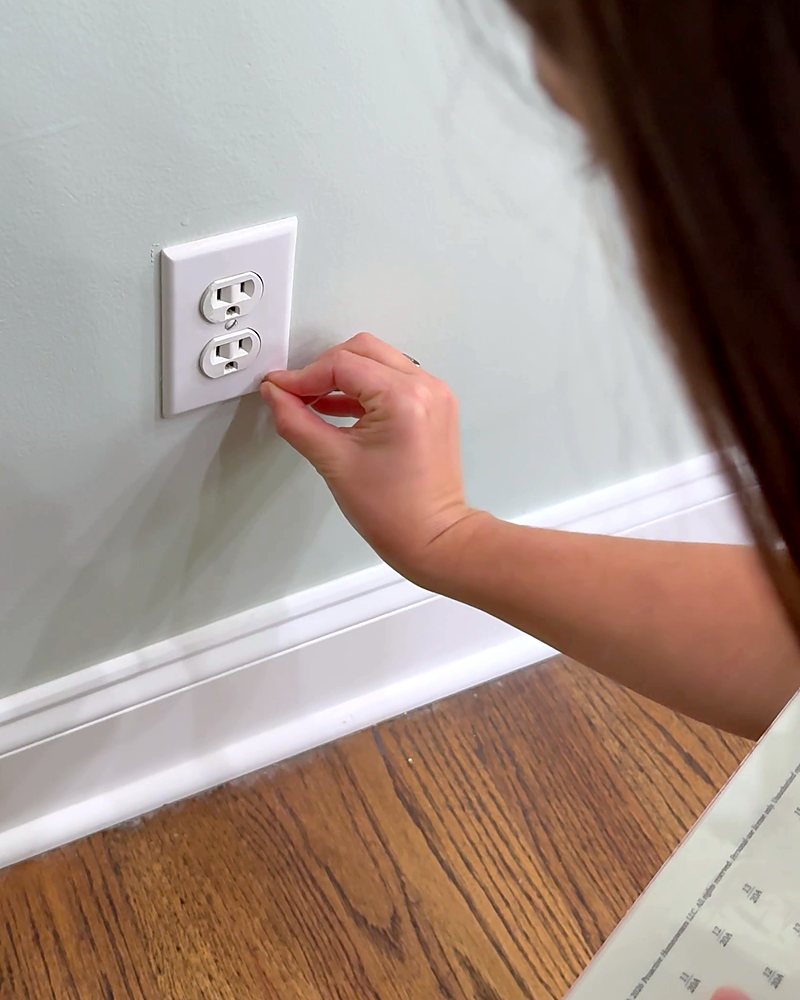
Apply the Clear Label to the cover 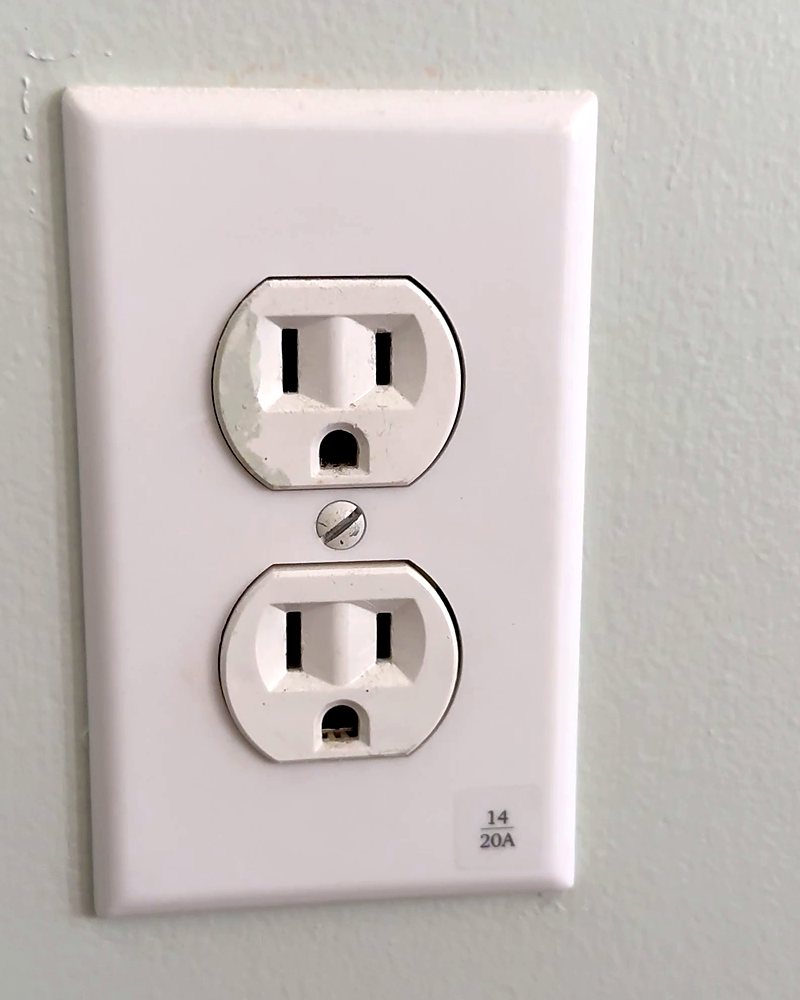
Breaker number and amperage, right on the cover Step 7: Tally Sheet · Circuit Diagram · Panel Directories
Fill out your Tally Sheet and draw your Circuit Diagram room by room as you work through the installation. Once complete, fill out your Panel Directories.
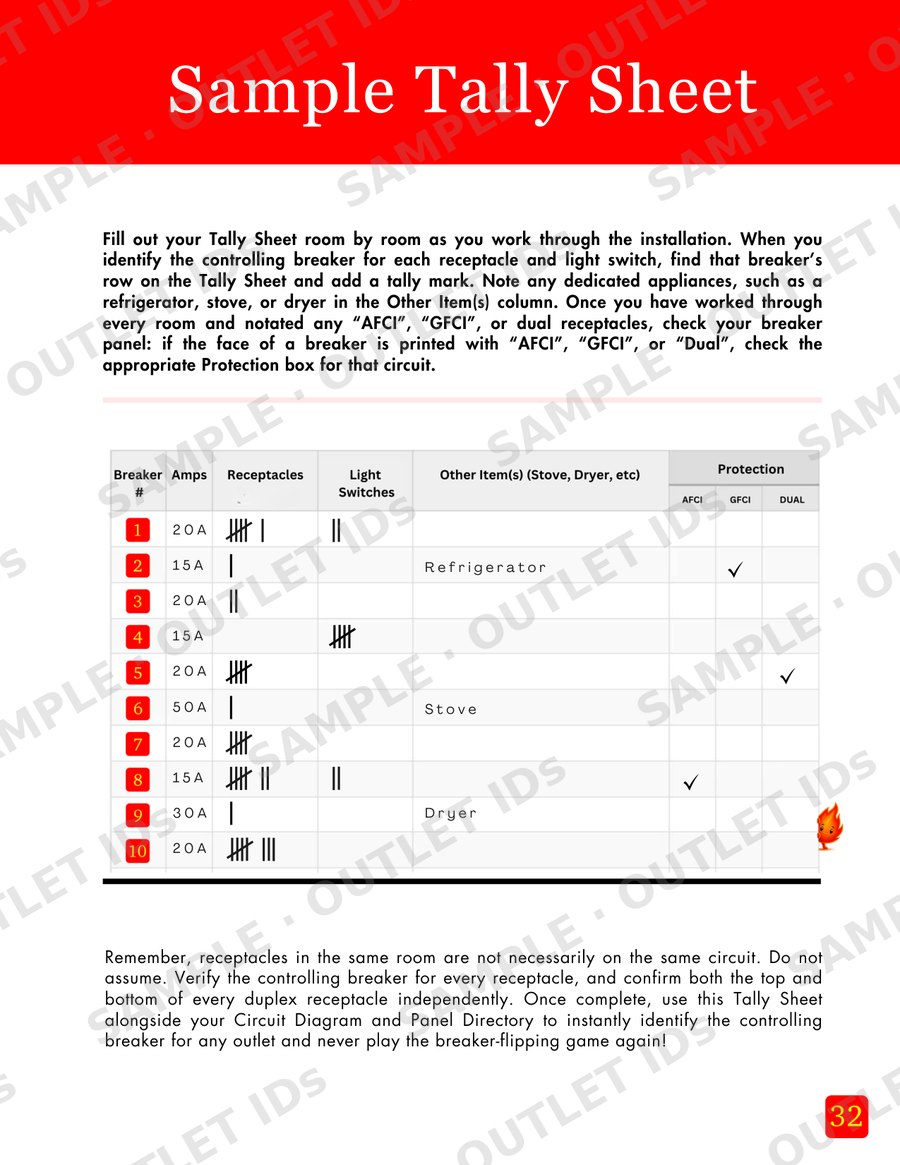
Sample Tally Sheet 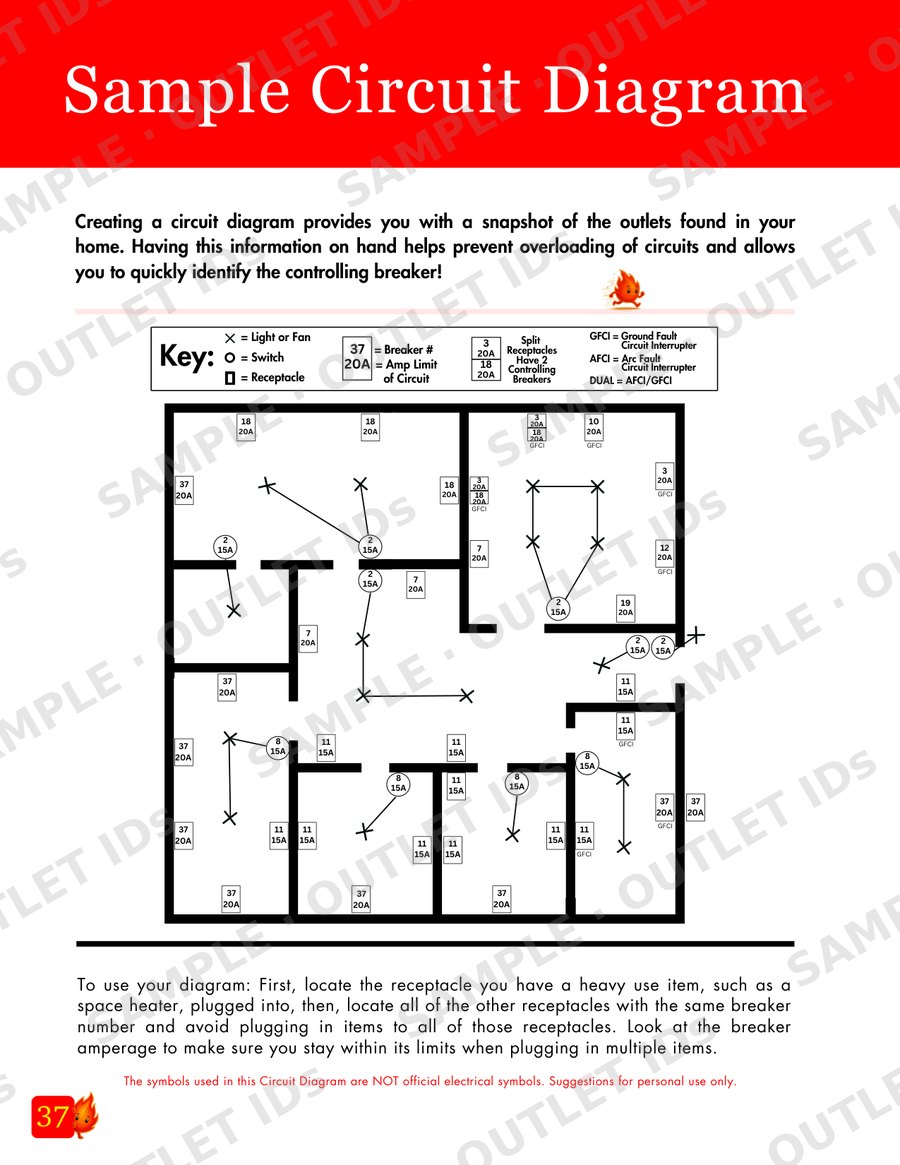
Sample Circuit Diagram TidbitReceptacles in the same room are not necessarily on the same circuit. Do not assume. Verify the controlling breaker for every receptacle.
Step 8: Apply the NOTICE Label & Panel Directory
Apply the NOTICE Label inside or on your breaker panel to document that the installation is complete. Tape your Panel Directory inside your panel door, making sure not to permanently cover important panel information.
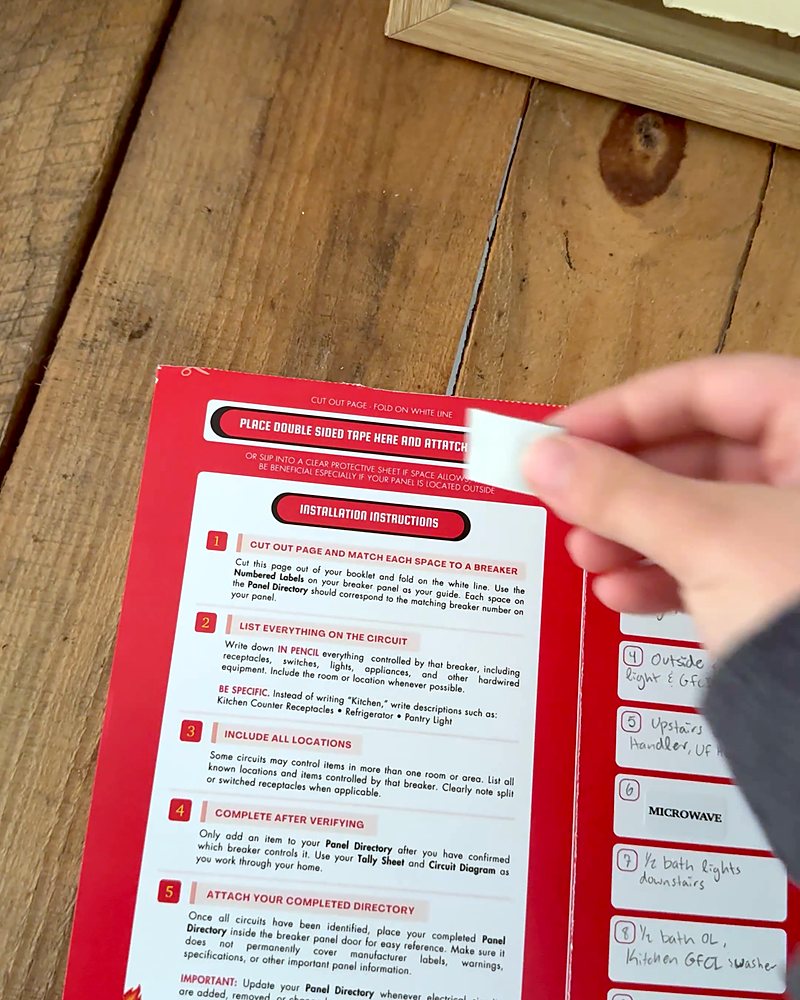
Tape the back of your Panel Directory 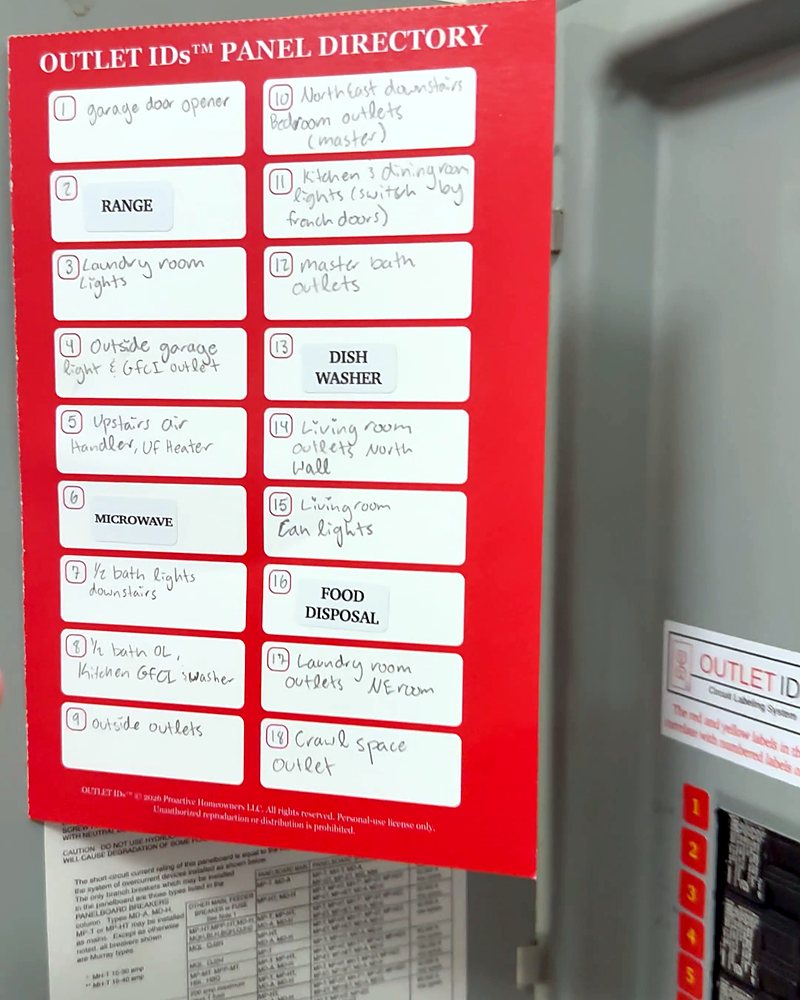
Directory inside the panel door 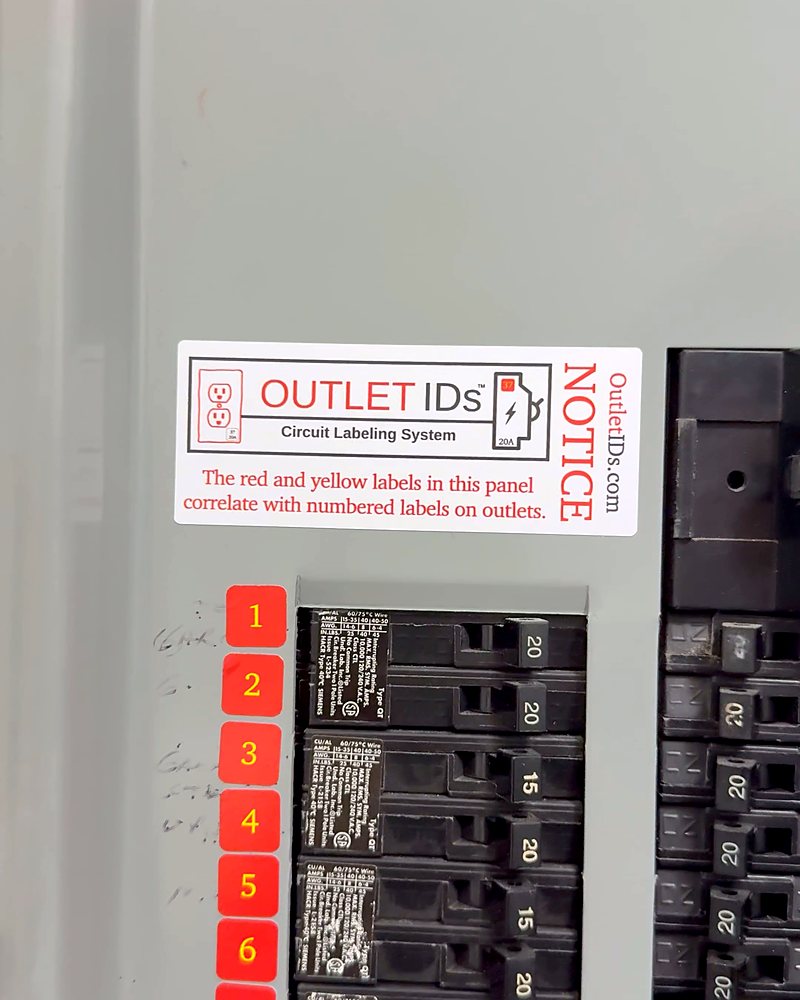
NOTICE Label: installation complete Step 9: Place your Limit the Load Magnet
Place the Limit the Load Magnet on your panel, refrigerator, or any metal surface for easy reference.
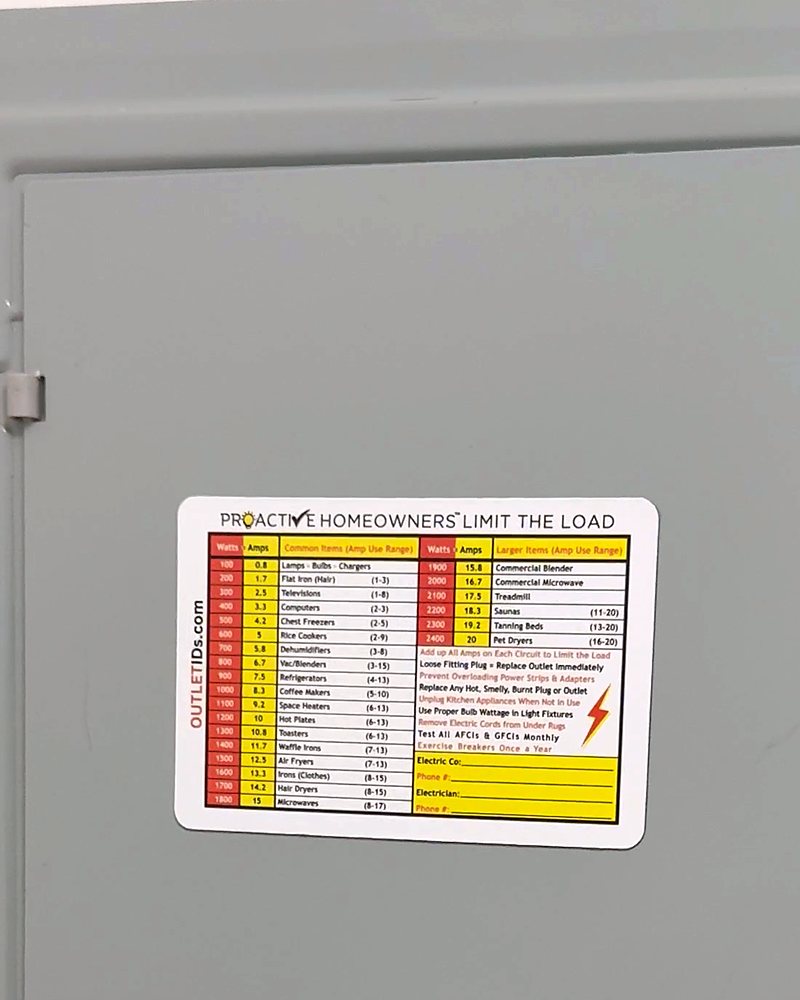
On the panel door for easy reference


If a breaker fails to work properly, contact a qualified electrician to inspect your panel.